
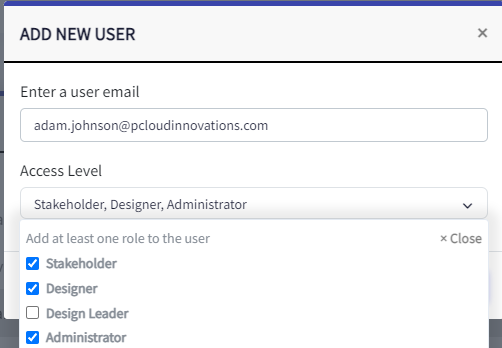
Plant Vision allows you to organize users into teams and then assign those teams permissions to access sites and projects. The Access level that a user has will define the maximum capabilities allowed on a site or a project. For example, a user with stakeholder permissions will only ever have read access to design content (they won’t be able to upload project or drawings). A person with Designer Access could be assigned read access on some projects, and write access on others.
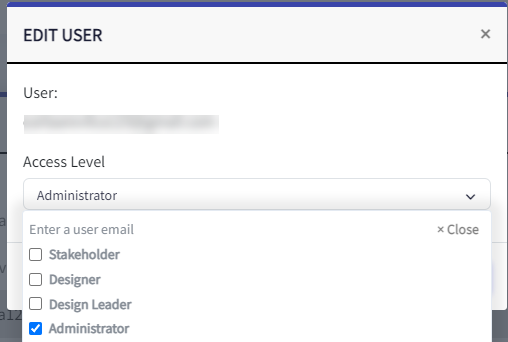
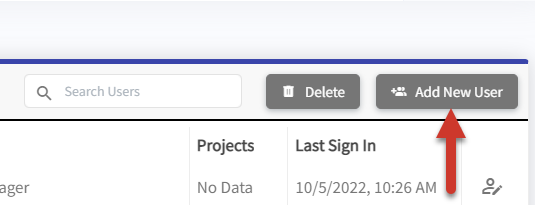
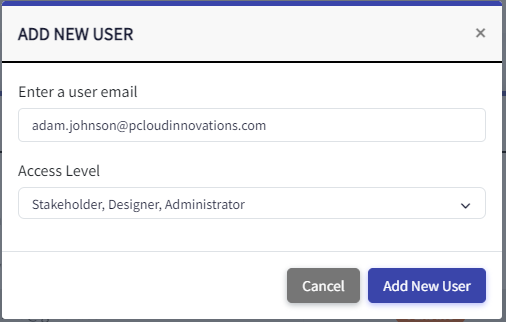
The first step in configure your account is to provision your users with the appropriate access levels. Go to Team Management > Users. On that page, click the Add New User button to create users and assign their access level.
 |  |